Learning Log Entries in GP training: What goes where?
A quick guide to choosing the right ePortfolio entry
Learning Log Entry options in GP training can overlap, and it is not always obvious where an activity, experience or piece of learning belongs in the ePortfolio.
This guide explains what each entry type is for, when to use it and common pitfalls to avoid. It is designed to provide clarity, not replace current RCGP or ePortfolio guidance, so always check the official requirements for your stage of training.
Placement Planning Meeting (PPM)
What it is: What it is: A record of your learning plan for each placement. It is completed by you, the trainee, following your start-of-post meeting with your Clinical or Educational Supervisor.
When to use it: Complete the entry after your Placement Planning Meeting, usually within the first few weeks of the post.
What to include
Your previous experience and current stage of training.
Strengths you want to maintain and develop.
Learning needs, including relevant feedback from previous ESRs or ARCPs.
Opportunities available within the placement.
Agreed plans for supervision, teaching, clinical experience and WPBA activity.
Any practical factors that may affect your learning or progress.
What it is for: To agree how the placement will support your development and make its learning opportunities relevant to your individual needs.
Common pitfalls
Assuming the entry is your supervisor’s responsibility to complete.
Treating the meeting and entry as an administrative or induction checklist.
Copying objectives from a previous placement.
Listing generic goals that are not linked to the post.
Focusing only on completing assessments rather than developing capability.
Recording plans without agreeing how or when they will be reviewed.
Top tip: Review your previous ESR and ARCP feedback before the meeting. Arrive ready to discuss what you need from this particular placement—not simply which assessments you need to complete.
ePortfolio requirement: A Placement Planning Meeting entry is required for each post. Check current RCGP and ePortfolio guidance for the formal requirements.

Clinical Case Review (CCR)
What it is: A reflection on a clinical learning experience involving a real patient you have personally seen.
When to use it: Use a CCR when a patient encounter has prompted you to think more carefully about your clinical reasoning, communication, decision-making or ongoing development. The encounter can come from any clinical setting, including hospital posts, general practice and urgent or unscheduled care.
What to include
Brief, anonymised details to give the reflection context.
What you considered, decided or did.
What went well and what you found difficult or uncertain.
What you learned and how this may influence your future practice.
Relevant capability and Clinical Experience Group links where the entry provides meaningful evidence.
What it is for: To make your thinking and development visible—not simply to document the patient’s presentation, diagnosis and management.
Common pitfalls
Writing a detailed case summary with very little reflection.
Recording a case you discussed but did not personally see.
Using a CCR for a course, teaching session or other non-clinical learning.
Describing what happened without exploring your own reasoning or learning.
Linking multiple capabilities without showing how the entry provides evidence for them.
Top tip: Choose the moment that made you think. It does not need to be the most dramatic or medically complex case—the useful learning may lie in uncertainty, communication, prioritisation or something you would approach differently next time.
ePortfolio requirement: Clinical Case Reviews are a required part of each training year. Check current RCGP and ePortfolio guidance for the required number and any specific evidence that must be demonstrated through a CCR.

Supporting documentation
What it is: A place to record relevant evidence that is not based on an individual clinical case or does not fit one of the more specific Learning Log Entry types.
This may include evidence relating to an identified learning need, required training or capability demonstrated outside direct patient care.
When to use it: Use Supporting documentation for items such as:
Course or mandatory training certificates.
Evidence of UUC or OOH attendance.
Evidence linked to an identified learning need.
Relevant non-clinical learning or professional experiences.
Documents that support your development or progress.
Where a more specific Learning Log Entry exists, use that instead.
What to include
A brief explanation of what the activity or document is.
Why it is relevant to your training or development.
What you learned or what the evidence demonstrates.
Any action or further development needed.
The relevant anonymised document, where appropriate.
What it is for: To capture useful evidence and learning that sits outside individual patient encounters.
Common pitfalls
Uploading a certificate without explaining its relevance or what you learned.
Using a CCR for course attendance, mandatory training or other learning that is not based on a real patient you personally saw.
Assuming attendance at an activity automatically demonstrates capability.
Linking capabilities without explaining how the evidence supports them.
Uploading documents containing identifiable patient, colleague or organisational information.
Top tip: Ask: “What does this add to my ePortfolio?” A document may confirm that you attended or completed something, but a short explanation is often needed to show why it matters to your development.
ePortfolio requirement: Supporting documentation does not have a general minimum number of entries. Use it where relevant and check current RCGP and ePortfolio guidance for evidence that must be recorded here.
Learning Event Analysis (LEA) and Significant Event Analysis (SEA)
What it is: A structured analysis of an event in which you examine your own involvement, decisions and learning.
The event may involve individual, team or system factors, but your entry should not be primarily an account of another person’s error. Use an LEA when the event offered important learning but did not meet the threshold for a significant event. Events that meet the GMC definition of a significant event should be recorded as an SEA.
When to use it: Use this entry when something happened that could have been managed more effectively, safely or collaboratively and warrants deeper analysis than a straightforward clinical case reflection.
What to include
A brief, anonymised account of what happened and your involvement.
Why the event was important and whether it is an LEA or SEA.
What you did, thought or assumed at the time.
What went well and where your own practice could have been different.
The individual, team and system factors that contributed.
What you and the wider team learned.
Any changes, further learning or follow-up needed.
What it is for: To understand your own practice within the context of an event and use that learning to improve future care—not simply to describe what happened, identify somebody else’s error or explain how you resolved it.
Common pitfalls
Choosing an event in which your main role was identifying or correcting somebody else’s mistake.
Presenting yourself as the person who rescued the situation without examining your own learning.
Providing a detailed chronology with little analysis.
Focusing on who was at fault rather than your own contribution and the wider factors involved.
Describing broad intentions such as “I will be more careful” without identifying a meaningful change.
Including identifiable details about patients, colleagues or organisations.
Assuming that an ePortfolio entry replaces local incident reporting or other required declarations.
Top tip: Before choosing the event, ask: “What does this show about my own practice?” If your answer is mainly that somebody else made an error and you dealt with it correctly, it is unlikely to produce a useful LEA.
ePortfolio requirement: An LEA or SEA is currently required in each training year.
Reflection on feedback
What it is: A reflection on formal feedback about your performance, progress or development.
This may include feedback from colleagues through an MSF, patients through a PSQ, a Leadership MSF, your ESR or CSR, educator notes or examination results.
When to use it: Complete this entry after you have reviewed and, where appropriate, discussed the feedback with your Clinical or Educational Supervisor.
What to include
The source and context of the feedback.
The main themes rather than a list of every individual comment.
Strengths you want to maintain and build on.
Areas that surprised you or differed from your own view.
Development needs identified through the feedback.
Actions you have agreed, including a PDP item where appropriate.
What it is for: To help you interpret feedback, recognise patterns and use it constructively to guide your development—not simply to reproduce or acknowledge what was said.
Common pitfalls
Copying or summarising the feedback without reflecting on it.
Focusing only on criticism and overlooking strengths.
Responding defensively to each individual comment.
Dismissing feedback because you disagree with it.
Trying to identify the author of anonymous feedback.
Creating a vague action such as “improve communication” without deciding what you will do differently.
Top tip: Step back from individual comments and look for the overall message. Ask: “What should I continue, what might I need to change and how will I know whether I have improved?”
ePortfolio requirement: Use this entry to record reflection on relevant formal feedback. Check current RCGP and ePortfolio guidance for the feedback assessments required at your stage of training.
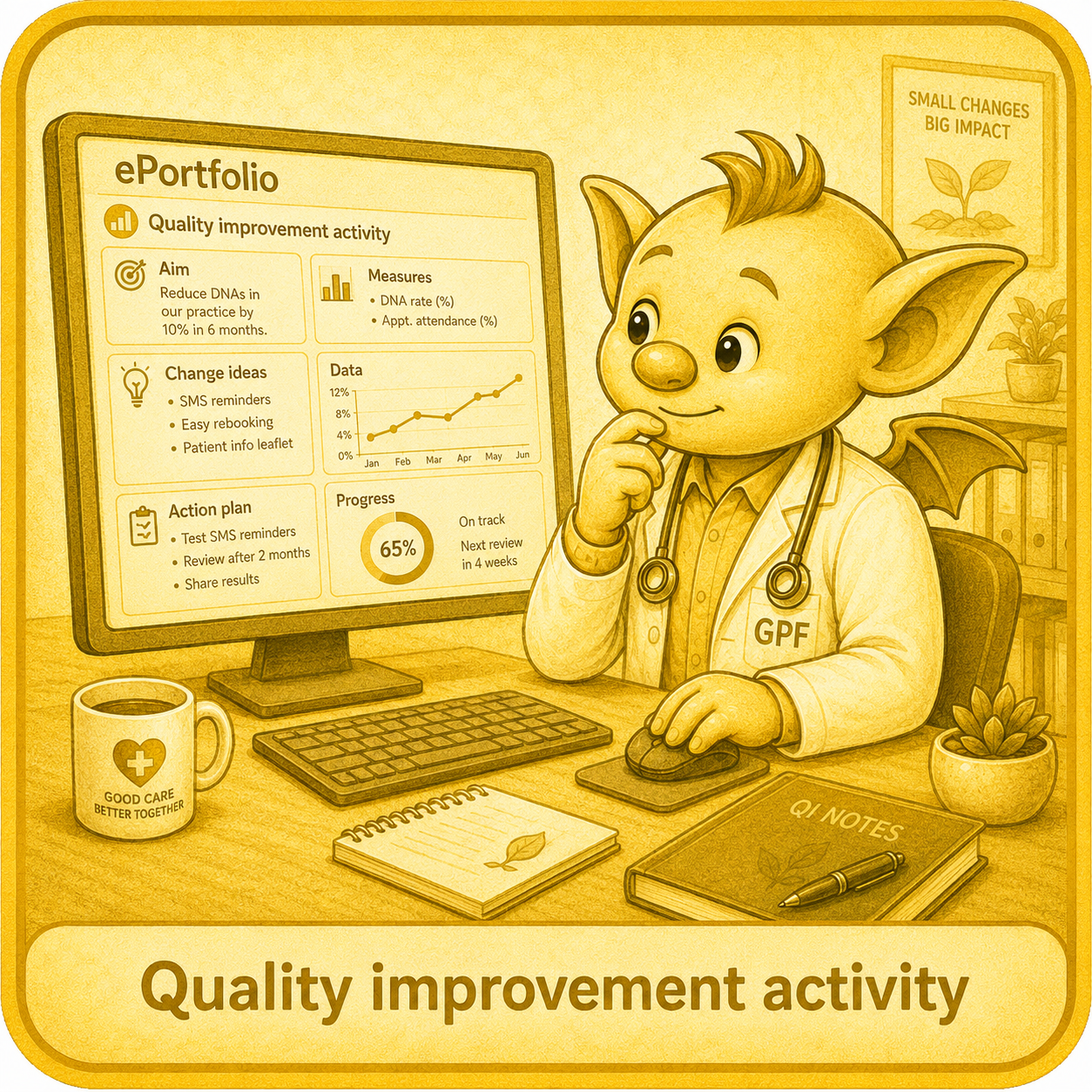
Quality Improvement Activity (QIA)
What it is: A structured activity in which you use information or data from your own work to identify an area for improvement, take action and evaluate whether that action made a difference.
A QIA is usually smaller in scale than a formal Quality Improvement Project (QIP), but it still needs to involve meaningful action—not simply identifying a problem or collecting data.
When to use it: Use this entry when you have reviewed an aspect of care or a working process and taken steps to improve it.
The activity should have a clear connection to your own work and may focus on patient care, safety, communication, access, efficiency or team processes.
What to include
The issue or area you wanted to improve.
The information or data that identified the need for change.
What you were trying to achieve.
The action or change you introduced.
How you involved or communicated with others.
How you evaluated the effect of the change.
What you learned and any further action needed.
What it is for: To demonstrate that you can recognise opportunities for improvement, use information to guide change and evaluate the effect of your actions.
Common pitfalls
Collecting data or completing an audit without taking action.
Describing a problem and suggesting changes without implementing anything.
Choosing an activity with little connection to your own work or involvement.
Using an LEA, SEA, feedback or complaint as the QIA without undertaking a separate improvement activity.
Using the same activity to meet both the QIA and Leadership activity requirements.
Assuming a QIA needs to be large or complicated.
Top tip: Start with a small change you can influence. Before you begin, decide what information will help you judge whether the change has improved anything.
ePortfolio requirement: Involvement in quality improvement is required in each training year. A completed QIP can meet this requirement for the year in which it is undertaken. Check current RCGP and ePortfolio guidance for the requirements at your stage of training.
For a fuller explanation of QIA, QIP and audit in GP training, see the GP Fluency QIA/QIP guide.
(For further GP training resources, visit the Trainee Hub).
Clinical Examination and Procedural Skills (CEPS)
What it is: A reflection on learning arising from a clinical examination or procedure.
A CEPS Learning Log Entry can help show how your examination and procedural skills are developing, but it is not the same as an observed CEPS WPBA.
When to use it: Use this entry when an examination or procedure has prompted useful learning about your clinical reasoning, practical skills or approach to the patient.
This may include learning about choosing the appropriate examination, gaining consent, maintaining dignity, adapting your approach, recognising findings or using those findings to guide management.
What to include
Brief, anonymised clinical context.
Why the examination or procedure was needed.
How you explained it and gained consent.
What you found straightforward, difficult or uncertain.
Relevant findings and how you interpreted them.
How the findings influenced your clinical reasoning or management.
Feedback received, where relevant.
What you learned and what you may do differently next time.
What it is for: To make your learning and progression in examination or procedural skills visible—not simply to record that you performed an examination.
Common pitfalls
Assuming a CEPS Learning Log Entry has the same validity as an observed CEPS WPBA.
Recording that you completed an examination or procedure without exploring what you learned.
Describing technique without linking the examination to the clinical context or your decision-making.
Using simulation or unobserved practice to claim competence.
Focusing only on technical performance and overlooking consent, dignity, communication or patient comfort.
Claiming competence when the entry shows learning but does not include formal observation and assessment.
Top tip: Link the examination to your clinical reasoning. Ask: “Why was this examination appropriate, what did the findings mean and how did they influence what I did next?”
ePortfolio requirement: CEPS evidence should be developed throughout training. A CEPS Learning Log Entry may support evidence of learning and progression, but it does not replace required observed CEPS assessments.
For more information about observed CEPS WPBA evidence and requirements, see CEPS without the Panic

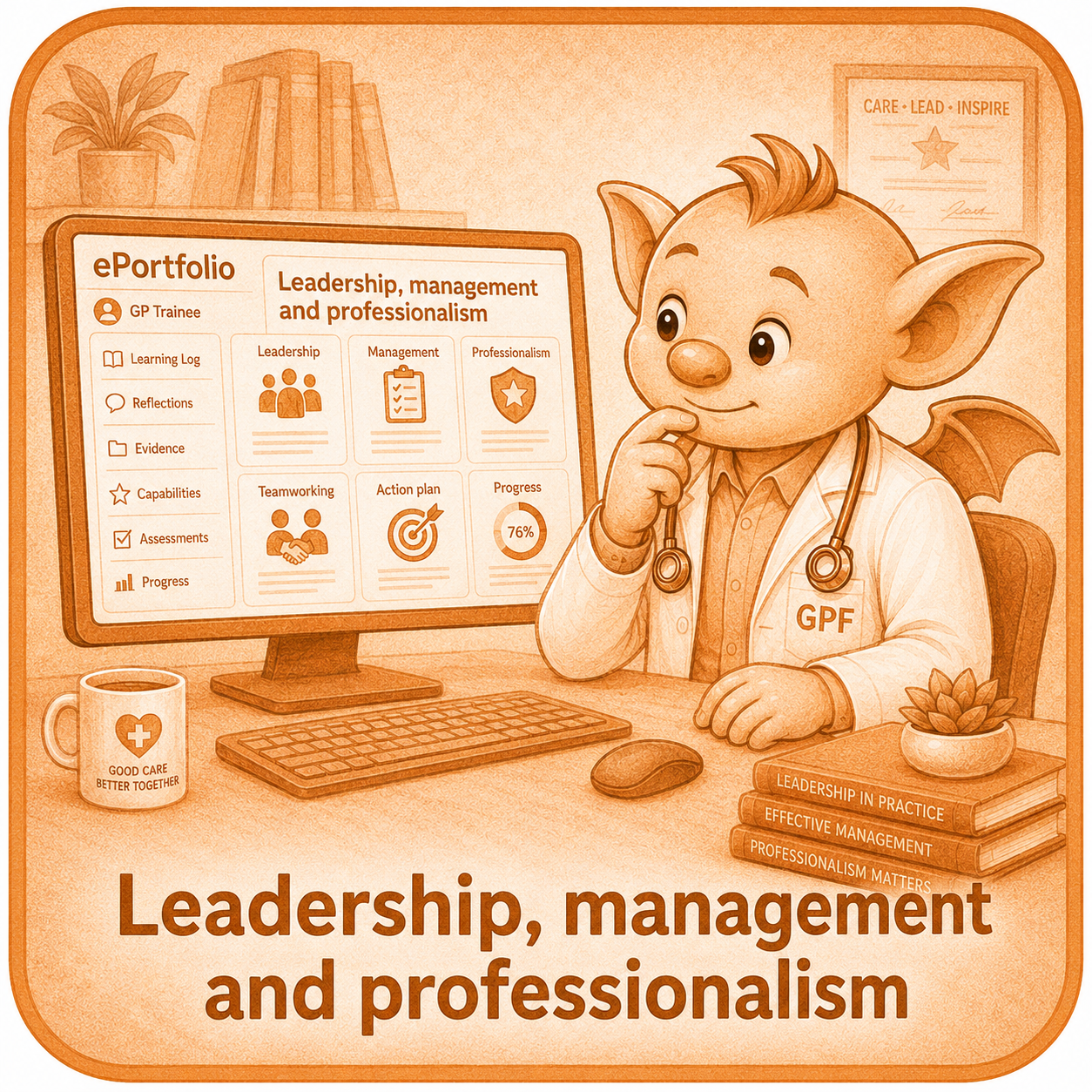
Leadership, management and professionalism
What it is: A place to record experiences and learning relating to leadership, management and professionalism throughout training.
It is also the entry used to record the formal Leadership Activity required during ST3.
When to use it: Use this entry when you have taken an active role in leading, influencing, organising or working with others.
This may include:
Chairing or contributing to a meeting.
Delivering teaching or a presentation.
Coordinating a team or activity.
Undertaking a Fresh Pair of Eyes exercise.
Helping to introduce or influence a change.
Reflecting on a management or professionalism challenge.
For the formal ST3 Leadership Activity, discuss your proposed activity with your Educational Supervisor before beginning.
What to include
The context and purpose of the activity.
Your role and what you were trying to achieve.
How you involved, supported or influenced others.
Decisions you made and challenges you encountered.
Feedback received and what happened as a result.
What you learned about your leadership, management or professional approach.
Any further development or action needed.
What it is for: To show how your ability to work with and influence others is developing—not simply to list tasks, responsibilities or positions you have held.
Common pitfalls
Assuming leadership activity is only relevant during ST3.
Describing what you organised or delivered without reflecting on how you led.
Recording attendance or passive participation as evidence of leadership.
Focusing only on the finished task rather than how you worked with other people.
Assuming that the same activity can meet both the mandatory QIA and Leadership Activity requirements.
Treating leadership as needing a large project or a formal title.
Top tip: Leadership is often visible in small, everyday actions. Focus on what you influenced, how you worked with others and what you learned about your own approach.
ePortfolio requirement: A formal Leadership Activity must be completed and recorded using this entry during ST3. It must be completed before the ST3 Leadership MSF. Leadership experiences can also be recorded throughout training. Check current RCGP and ePortfolio guidance for the formal requirements.
Prescribing assessment
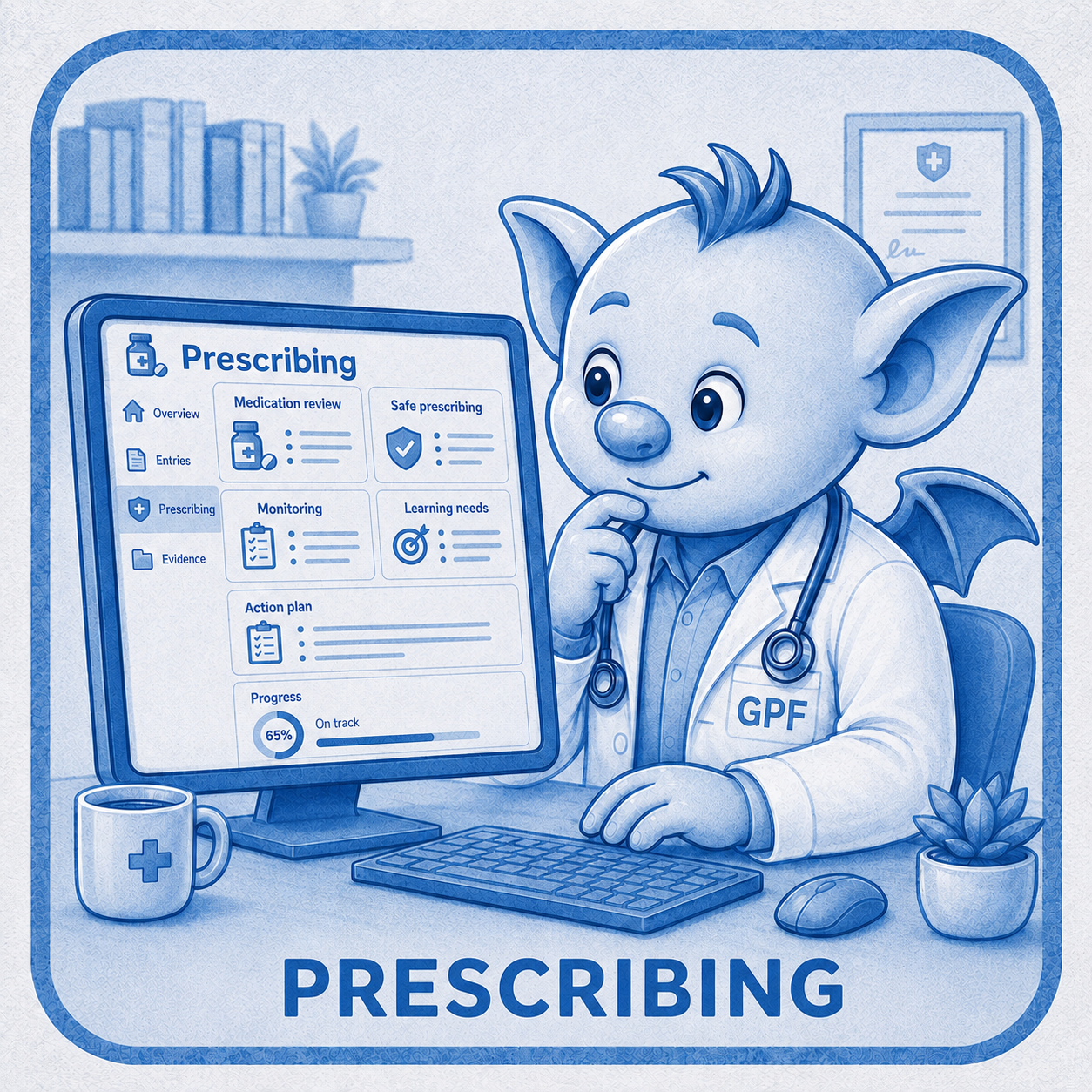
What it is: The reflective Learning Log Entry completed as part of the mandatory ST3 Prescribing Assessment.
The assessment reviews a sample of your own prescribing to identify patterns, errors, strengths and learning needs. The Learning Log Entry is one part of the assessment and does not complete the requirement on its own.
When to use it: Use this specific entry when completing your formal Prescribing Assessment during ST3.
You must:
Review your last 50 retrospective prescriptions using the RCGP prescribing spreadsheet and guidance.
Map any prescribing errors or areas of suboptimal prescribing identified.
Ask your GP Trainer or Supervisor to review 20 of the prescriptions.
Complete the trainee reflection within the ePortfolio.
Discuss the findings and complete the assessment with your GP Trainer or Supervisor.
Upload the anonymised prescribing spreadsheet to the Learning Log Entry.
What to include
Confirmation that you reviewed 50 prescriptions.
Reflection against the GP prescribing proficiencies.
Patterns, strengths, errors and areas of suboptimal prescribing identified.
What you learned from comparing your review with your supervisor’s review.
Changes needed in your prescribing practice.
A PDP where specific prescribing development is required.
The completed anonymised spreadsheet.
What it is for: To review your prescribing systematically, recognise patterns and identify learning that will support safer and more effective future prescribing.
Common pitfalls
Completing the Learning Log Entry but not arranging the separate supervisor assessment.
Reviewing fewer than 50 prescriptions.
Recording that no errors were found without fully reviewing and mapping the prescriptions.
Providing general reflections without considering the GP prescribing proficiencies.
Focusing only on errors and overlooking patterns of good prescribing to maintain.
Uploading a spreadsheet containing identifiable patient information.
Leaving the activity too late to address any learning needs identified.
Top tip: Begin early enough in ST3 to allow time to review the prescriptions properly, discuss the findings with your supervisor and act on any learning needs before the end of training.
ePortfolio requirement: The Prescribing Assessment is a mandatory formative assessment completed in ST3. Both the trainee reflection and the supervisor assessment must be completed, and the anonymised spreadsheet must be uploaded. Check the current RCGP and ePortfolio guidance and use the prescribed documents and process.
Academic activities
What it is: A place to record academic work and the learning arising from it. It is designed primarily for trainees undertaking an academic post.
A trainee outside a formal academic placement may occasionally complete substantial academic work, but should discuss with their supervisor whether this or another Learning Log Entry is most appropriate.
When to use it: Use this entry for meaningful involvement in academic activity such as research, critical appraisal, data analysis, preparing academic work for presentation or publication, or contributing to a scholarly project.
Use the entry that best reflects the main purpose of the activity. For example, teaching or presenting may be better recorded under Leadership, management and professionalism when the principal learning relates to leading, influencing or communicating with others.
What to include
The purpose and context of the academic activity.
Your role and individual contribution.
The methods or approach used.
Relevant ethical, governance or confidentiality considerations.
Findings, interpretation and limitations.
Feedback received.
What you learned and how this may influence your future practice or academic development.
Any outputs, next steps or further questions arising.
What it is for: To demonstrate your involvement in academic work and what you learned from the process—not simply to list an achievement or upload a finished poster, presentation or publication.
Common pitfalls
Using the entry for routine course attendance or general CPD.
Uploading an academic output without explaining your own contribution.
Presenting work completed by a group as though it were solely your own.
Describing the findings without reflecting on the methods, limitations or learning.
Using Academic activity for teaching or presentations when another entry type better reflects the purpose.
Including identifiable, confidential or unpublished information without appropriate consideration.
Top tip: Focus on the process as well as the output. A publication, poster or presentation shows what was produced; the reflection should make clear what you contributed, understood and learned.
ePortfolio requirement: There is no general requirement for all GP trainees to complete an Academic activities entry. This entry is designed primarily for trainees in academic posts. Check current RCGP and ePortfolio guidance and discuss its appropriate use with your supervisor.